Why it matters
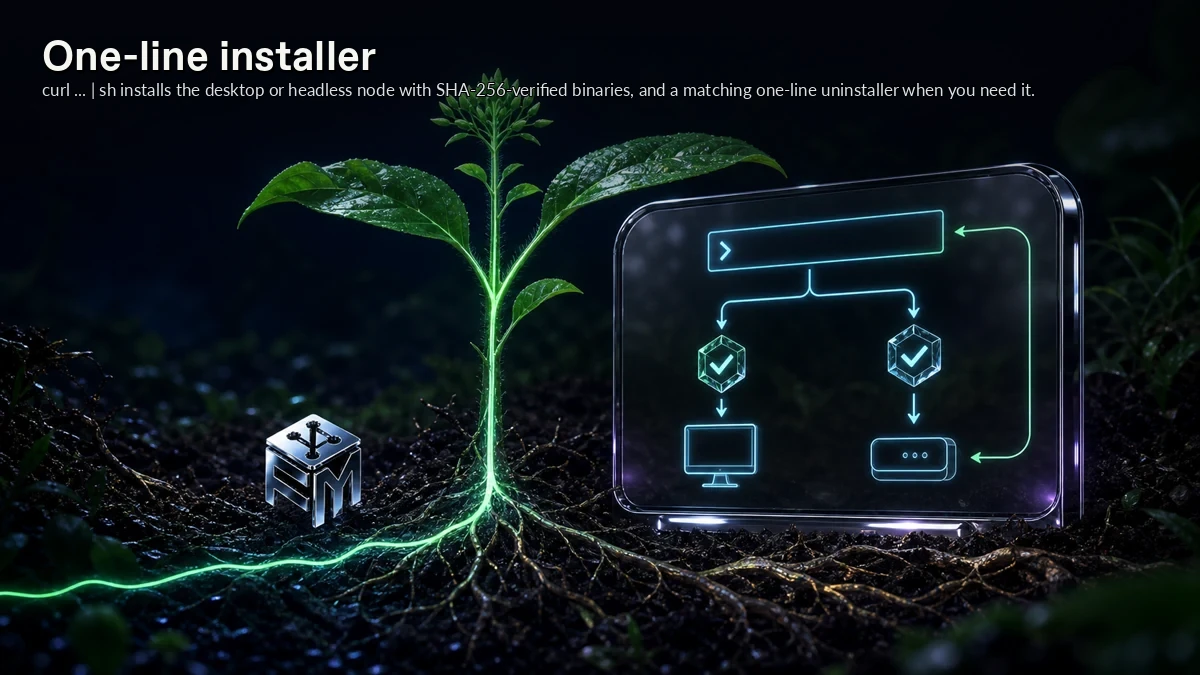
One-line installer gives ForkMesh a concrete mechanism for verified install and uninstall commands for desktop and headless nodes. curl ... | sh installs the desktop or headless node with SHA-256-verified binaries, and a matching one-line uninstaller when you need it.
Delivery metadata is part of a project, not a separate dashboard that should disappear during a migration. In ForkMesh, one-line installer addresses that need at the feature level, keeping the behavior close to the repository instead of buried in a detached hosted layer.
How ForkMesh handles it
ForkMesh handles one-line installer through the same split it uses across the product: ForkMesh keeps runs, logs, artifacts, releases, quality signals, installers, and downloads close to the mirrored repository.
The behavior is intentionally narrow: curl ... | sh installs the desktop or headless node with SHA-256-verified binaries, and a matching one-line uninstaller when you need it. Outputs can be linked to commits and served by nodes instead of becoming opaque hosted-only assets.
Where it fits
Use one-line installer when shipping, validation, and release assets need to remain attached to the preserved repository.
It pairs with the rest of CI, releases & distribution because One-line installer keeps verified install and uninstall commands for desktop and headless nodes connected to the repository, its signatures, and the nodes that serve it.