Why it matters
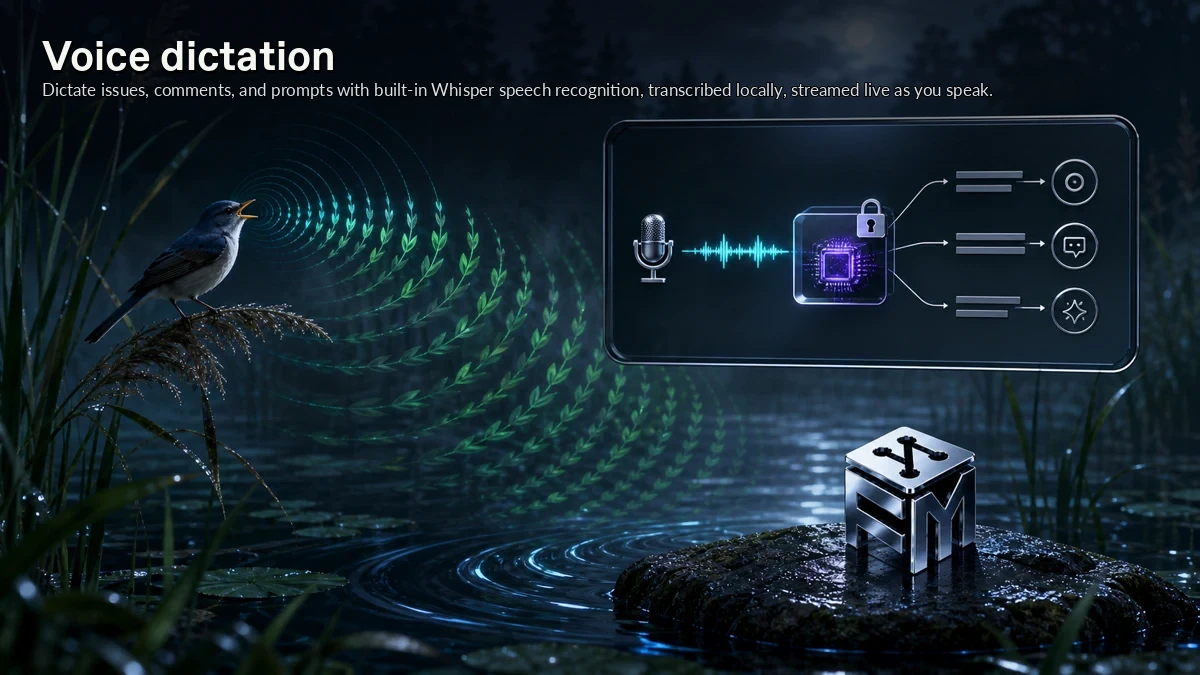
Voice dictation gives ForkMesh a concrete mechanism for local speech-to-text for issues, comments, and prompts. Dictate issues, comments, and prompts with built-in Whisper speech recognition, transcribed locally, streamed live as you speak.
A local-first forge needs the local app to be more than a mirror status screen. In ForkMesh, voice dictation addresses that need at the feature level, keeping the behavior close to the repository instead of buried in a detached hosted layer.
How ForkMesh handles it
ForkMesh handles voice dictation through the same split it uses across the product: the Qt desktop node combines repo browsing, source control, worktrees, markdown, captures, shortcuts, diagnostics, and handoff flows around the hosted mirror.
The behavior is intentionally narrow: Dictate issues, comments, and prompts with built-in Whisper speech recognition, transcribed locally, streamed live as you speak. The same machine can hold the repository, review work, operate agents, and explain its own network state.
Where it fits
Use voice dictation when the machine hosting the code should also be the place where contributors understand and act on it.
It pairs with the rest of The desktop app because Voice dictation keeps local speech-to-text for issues, comments, and prompts connected to the repository, its signatures, and the nodes that serve it.