Why it matters
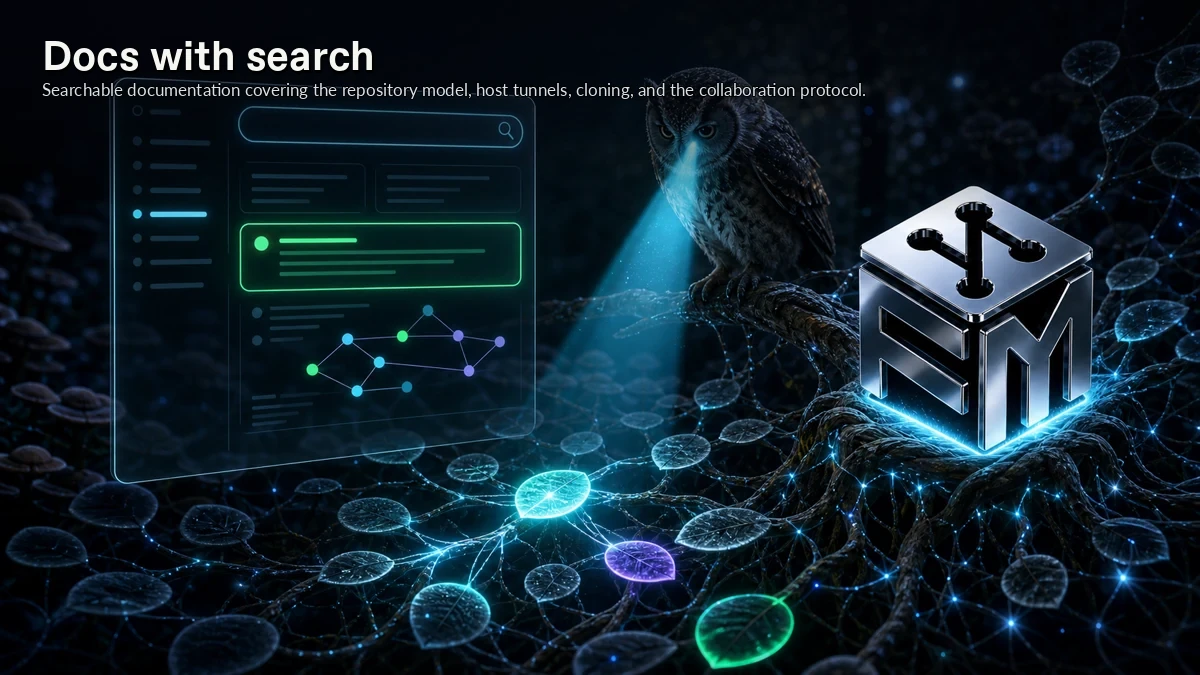
Docs with search gives ForkMesh a concrete mechanism for searchable documentation for the repository, routing, clone, and collaboration model. It covers encrypted mirrors, authenticated direct-HTTPS routing, cloning, and the collaboration protocol.
A distributed forge still needs clean entry points for readers, contributors, mobile users, and editor workflows. In ForkMesh, docs with search addresses that need at the feature level, keeping the behavior close to the repository instead of buried in a detached hosted layer.
How ForkMesh handles it
ForkMesh handles docs with search through the same split it uses across the product: ForkMesh exposes web, mobile, editor, docs, status, and clean URL surfaces on top of the desktop-node and mainnode model.
The behavior is intentionally narrow: searchable documentation covers the repository model, HTTPS mirror routing, cloning, and the collaboration protocol. Those surfaces route to healthy mirrored data; they are access layers, not the canonical Git store.
Where it fits
Use docs with search when people need to browse, contribute, learn, and receive updates outside the main desktop window.
It pairs with the rest of Mobile, web & IDE because Docs with search keeps the repository, routing, clone, and collaboration model connected to repository signatures and the healthy nodes that serve it.